
Android phone & tablet
Install the app from Google Play. Check the store listing for your device requirements.
Get it on Google Play ↗ Download Android build · 02.13.26.10Discover BroAZ TV on your screen. Choose your plan, complete payment and follow a simple guide to start watching.
Choose a plan → Pay → Download → Sign in
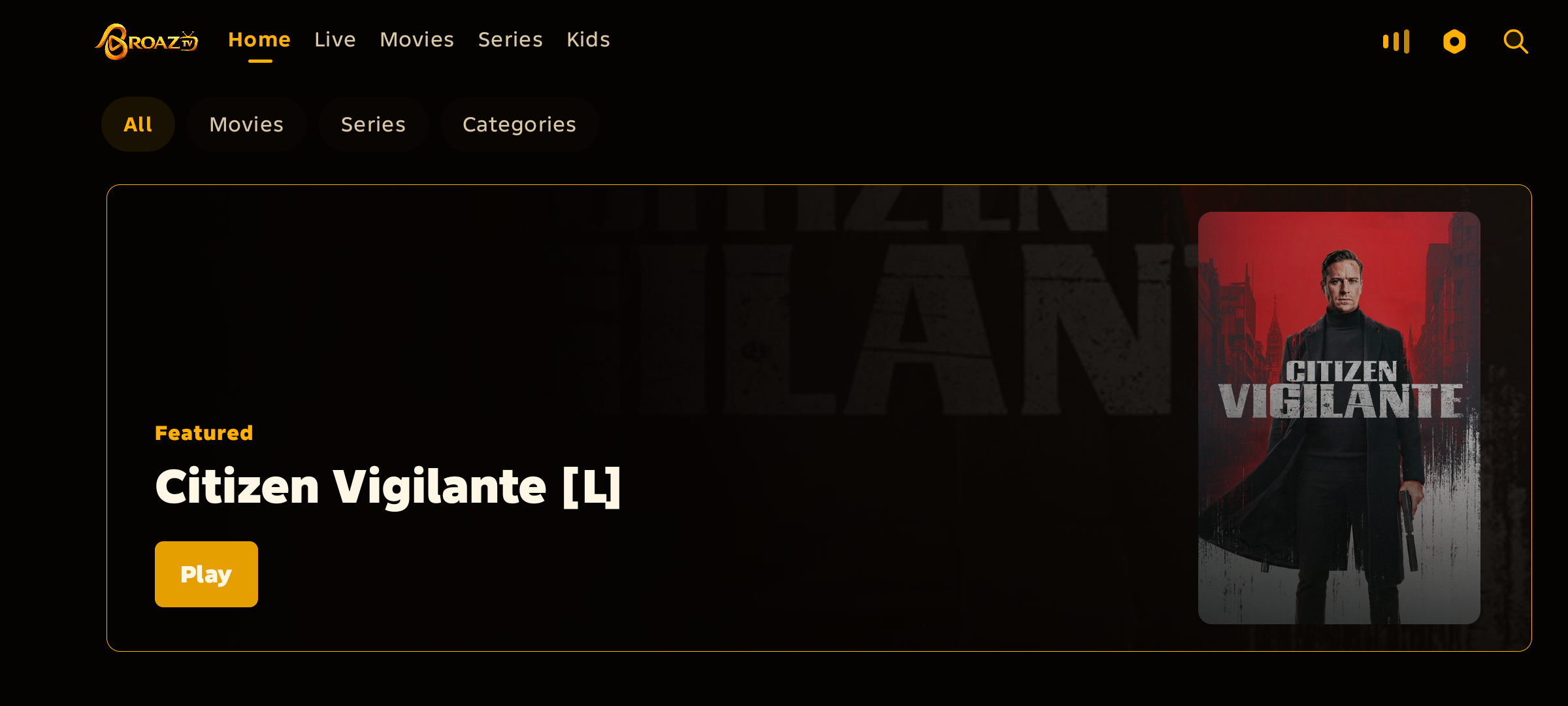
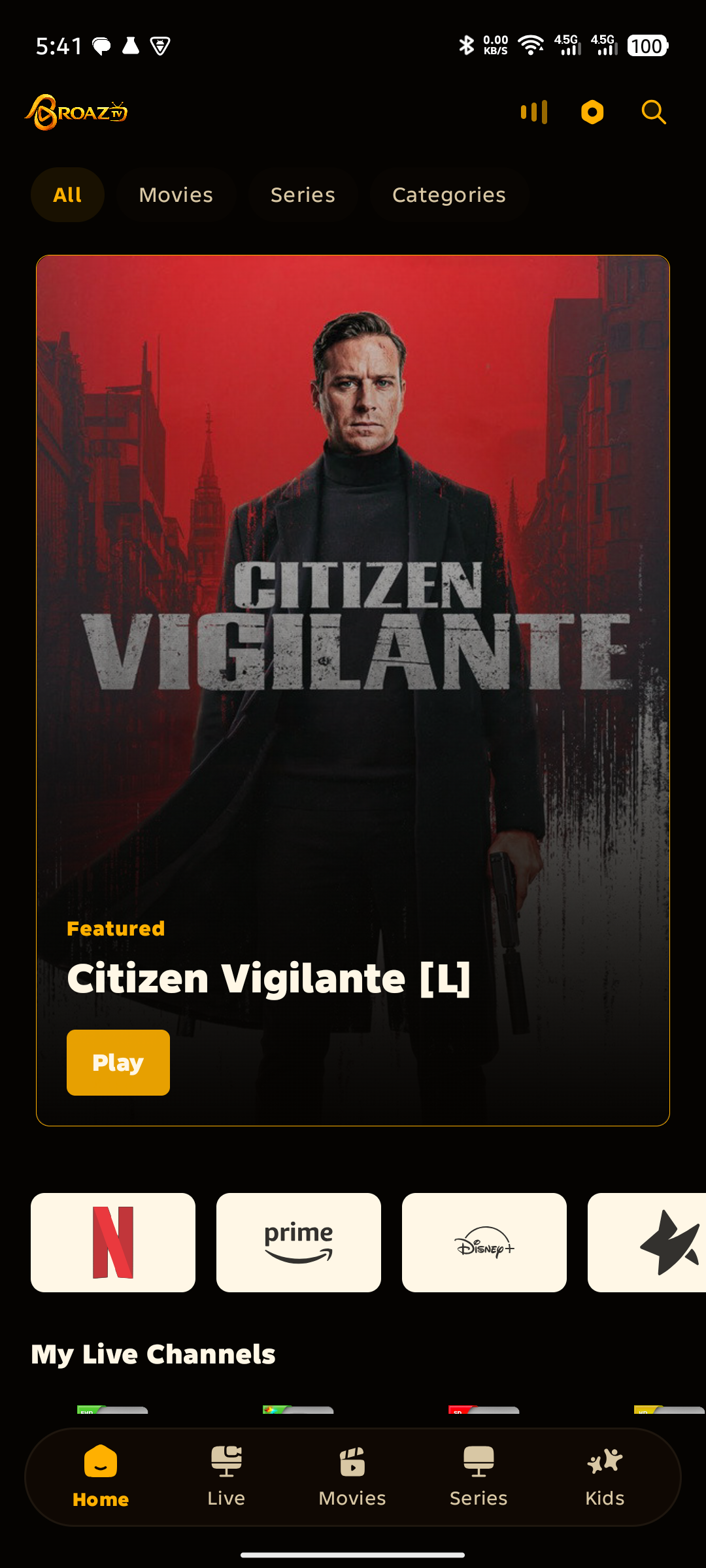
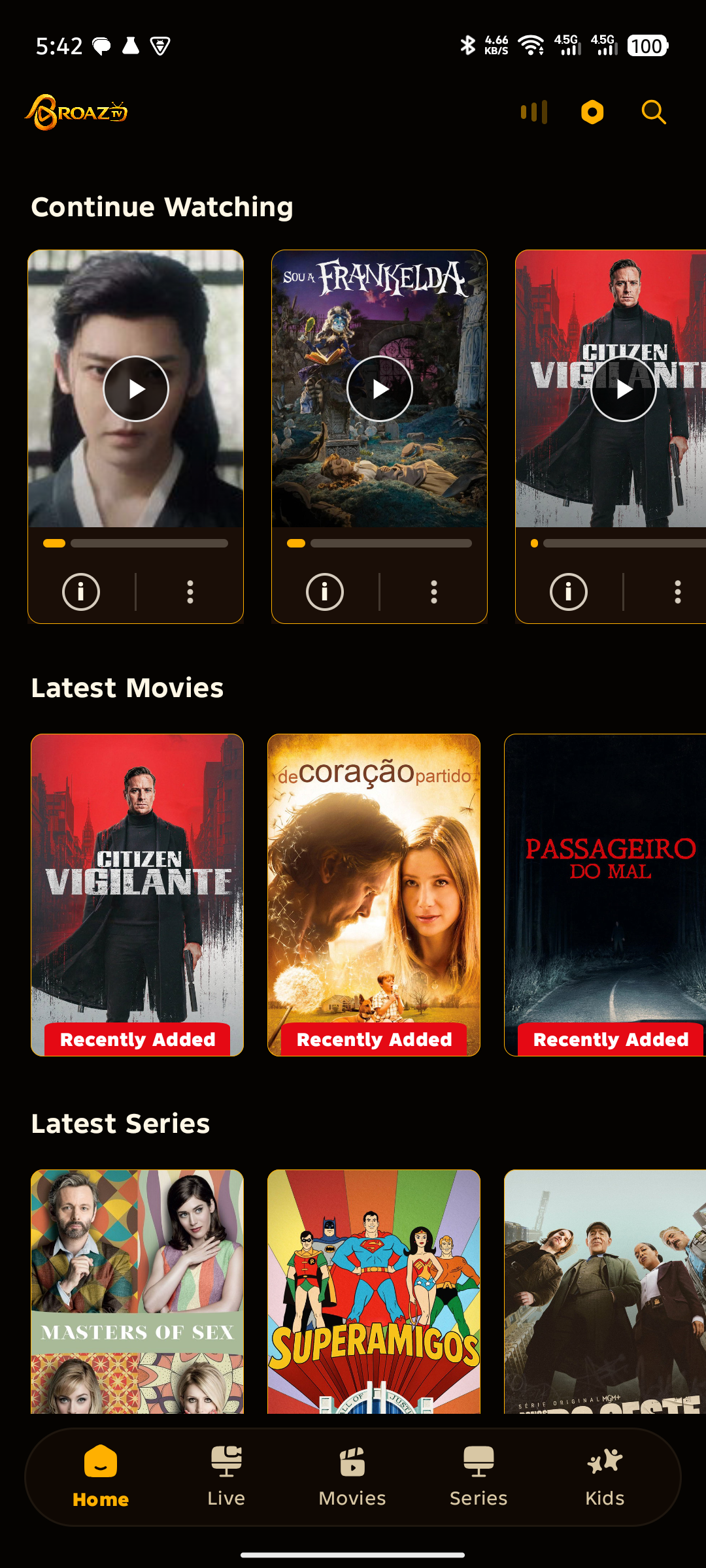
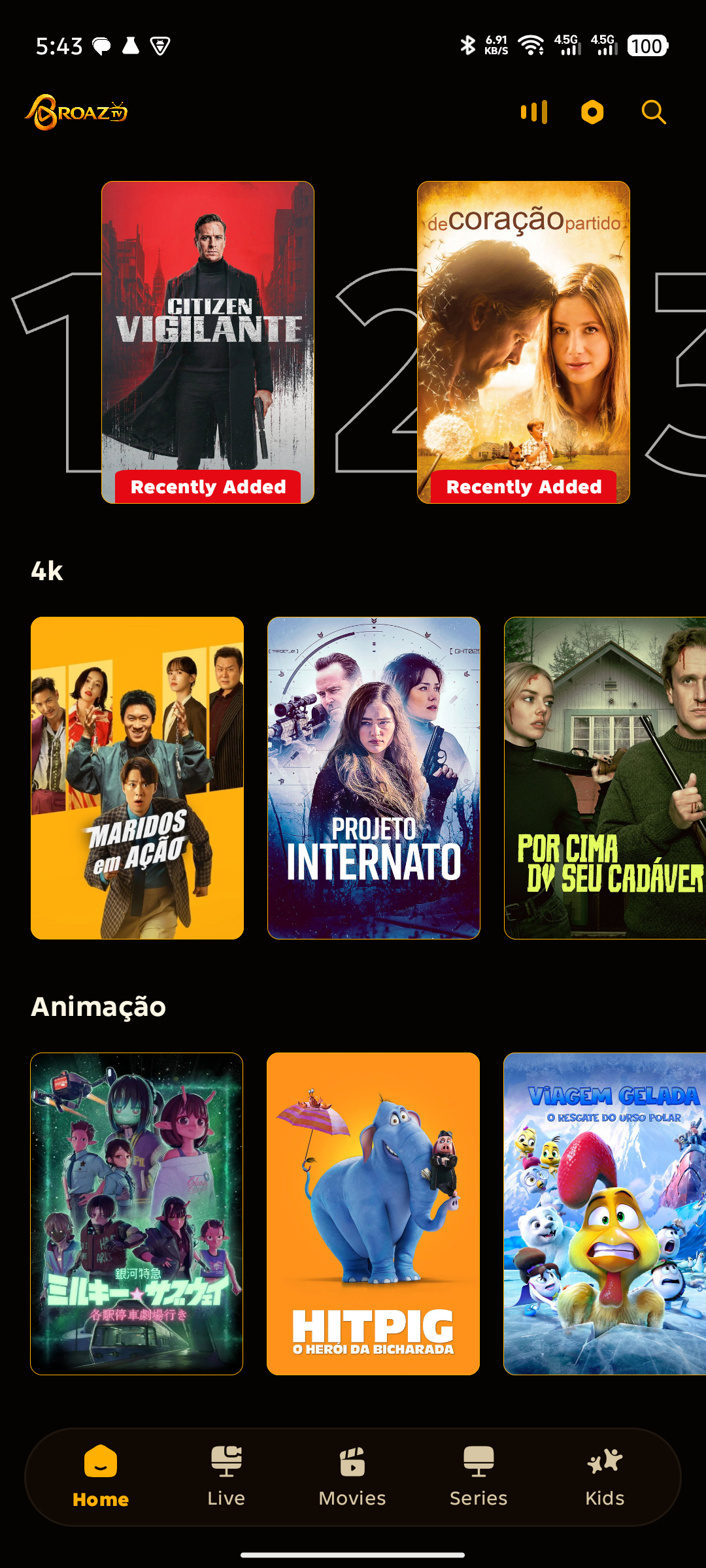
Install the app from Google Play. Check the store listing for your device requirements.
Get it on Google Play ↗ Download Android build · 02.13.26.10Check BroAZ TV availability in your TV’s store before purchasing. Android TV support depends on your device and the available build.
See TV sign-in instructions →An iOS download is not currently listed here. For iPhone, Samsung, LG or other devices, confirm compatibility with support before buying.
Continue to checkout to enter your details and select an available payment method. Any applicable payment fees are shown there.
183 days of access
test
R$ 250,00 · Economize R$ 100 hoje
365 days of access
test
30 days of access
Personal
90 days of access
Payment confirmation is required before paid access is activated. Keep your order page open for payment status.
Choose a plan and complete checkout with your email and contact details. Follow the payment instructions and wait for confirmation on your order page.
Install BroAZ TV, then use the account details provided after checkout. Existing customers should use their current credentials.
Open the TV sign-in screen. On your signed-in phone, use Scan TV QR and approve the TV request. If using code login, use your personal 10-digit app login code from your authenticated account.
Your order page shows payment status and access instructions. If confirmation is delayed, keep the order reference and contact support. Do not pay the same order again without checking its status.
Compatibility depends on the operating system and the app build. Check your device store and the guidance above before buying.
The available payment methods appear in the existing checkout flow. Follow the instructions for your selected method.
Contact BroAZ TV support directly on WhatsApp.